Notes on Expenses - Room for the Details
Every expense in Kittysplit now has room for notes. Who had what, the booking number, why Sofia only pays half: it finally has a place to go that isn’t the description. Notes work on the web and in the iOS and Android apps, and they’re free in every Kitty.
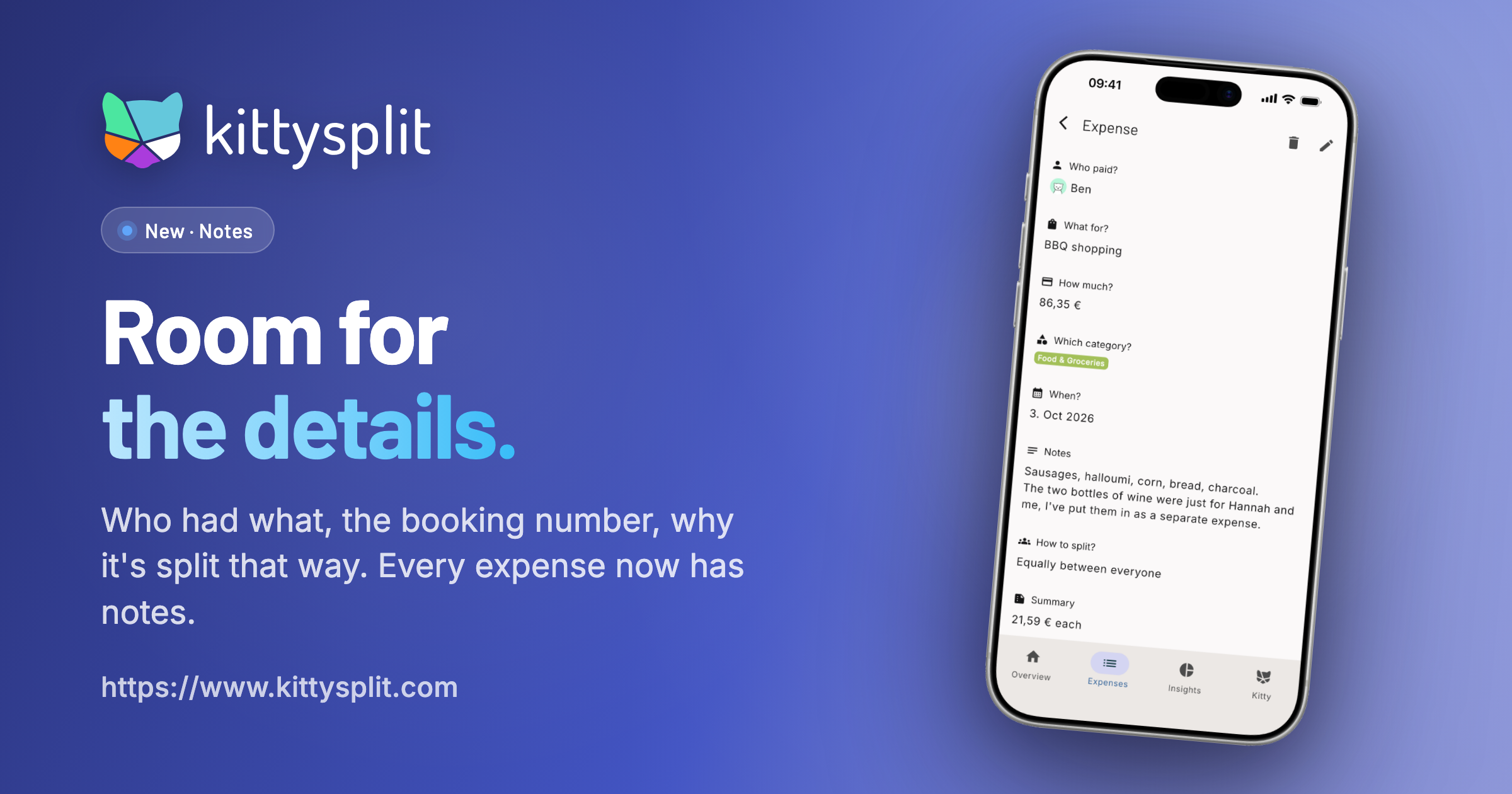
The first email asking for this reached us in January 2024. “It’s just text”, it said, and called it a low hanging fruit. That was fair, and it still took us until now. Sorry about that. More of you asked in the meantime.
You didn’t wait for us, of course. You put your notes where there was space, which was the description. We had a look at what ends up in there. Half of all descriptions are 10 characters or shorter: “Petrol”, “Pizza”, “Groceries”. But about one in 200 is a small novel. Whole shopping lists from the wholesale market, item by item. Or the accommodation, followed in brackets by who stayed how many nights and how many shares that makes. You were explaining the expense to your group in the only field we gave you.
How it works
When you add or edit an expense, there’s a new “Add notes” button below the date. Tap it and you get a text field. It’s tucked away on purpose, because most expenses don’t need notes and the form is long enough already.
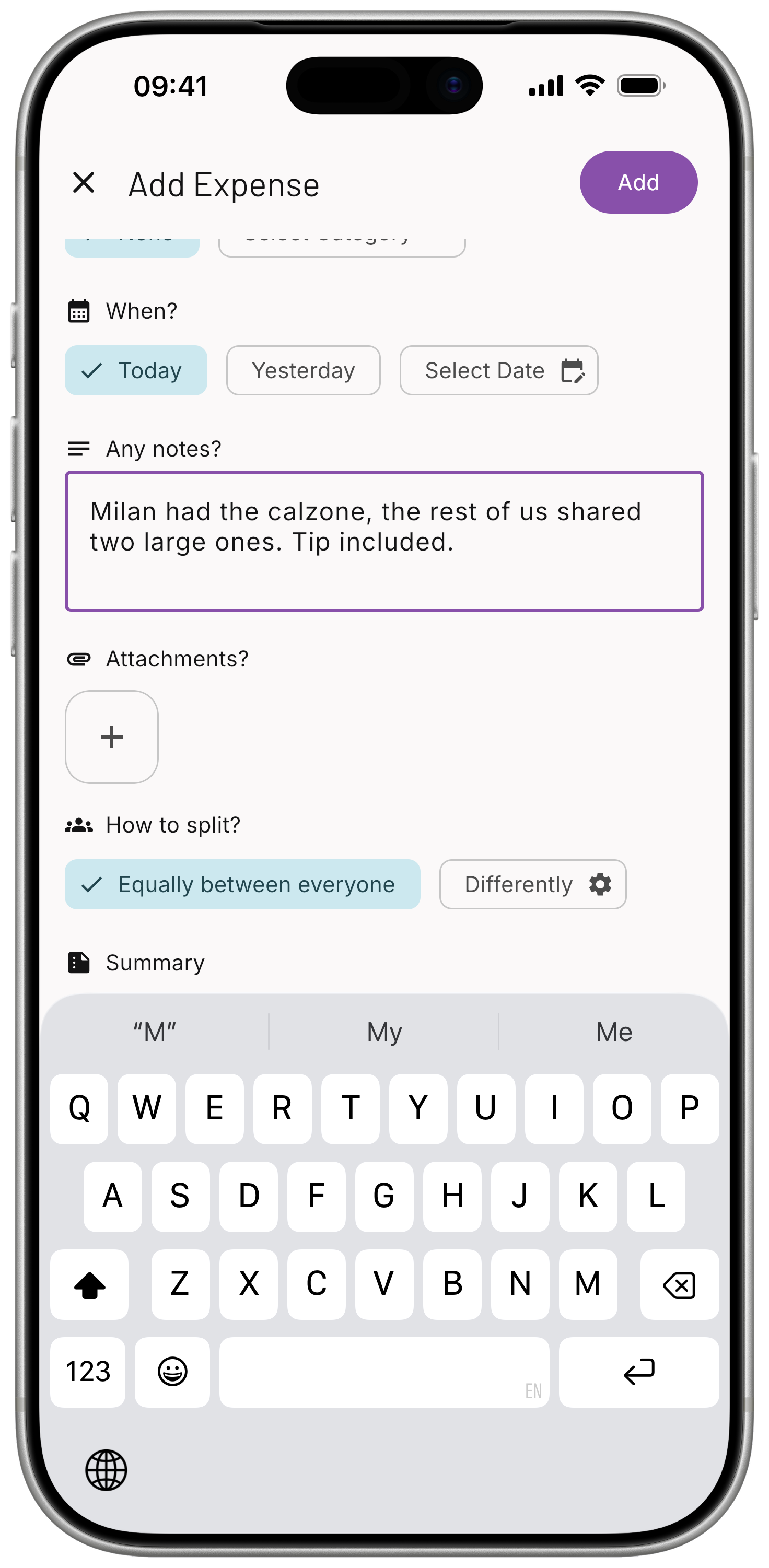
Write as much as you like (well, up to 5,000 characters). Line breaks stay where you put them, so a list still looks like a list afterwards.
Everybody in the Kitty sees the notes when they open the expense:
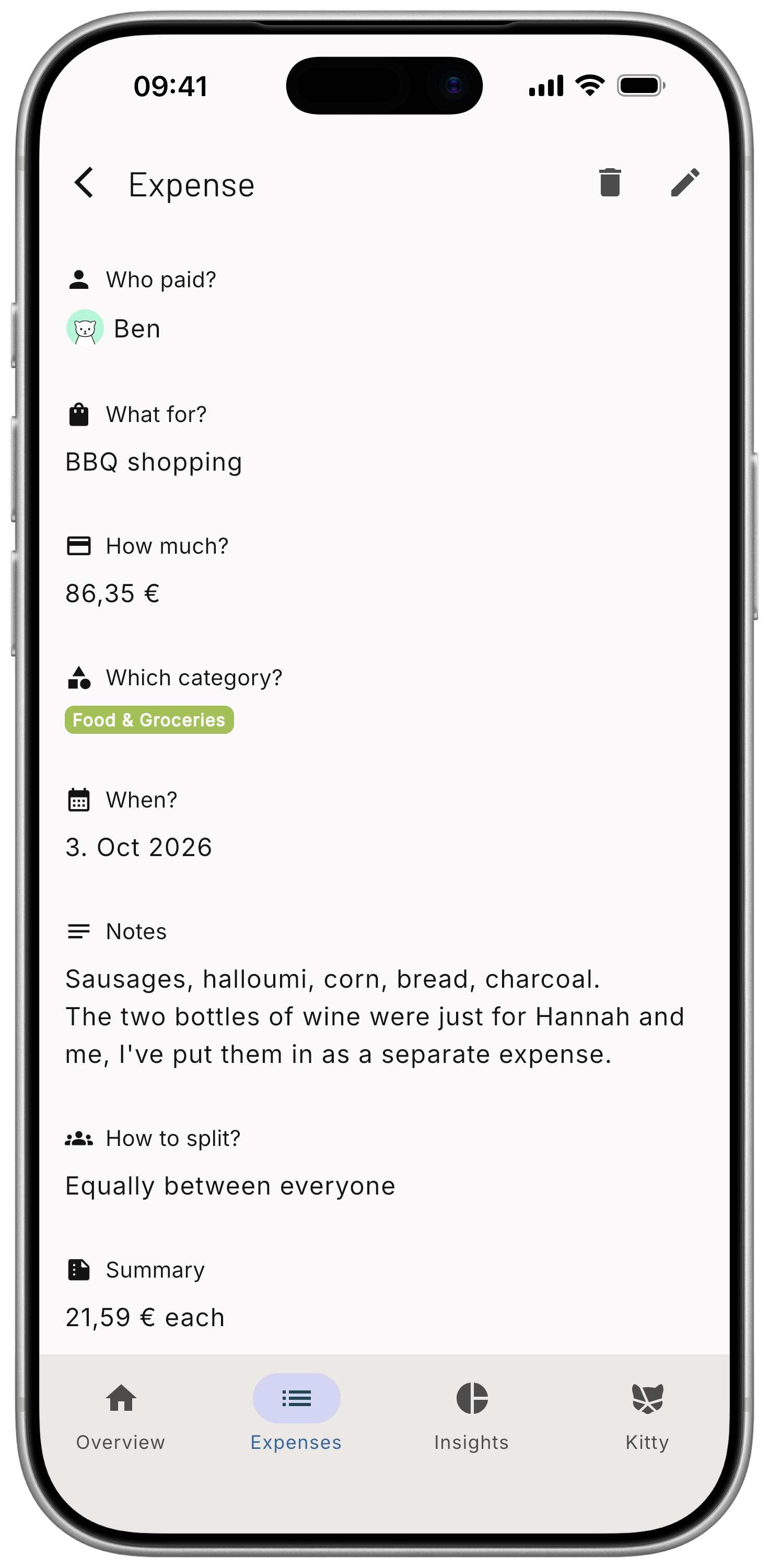
The search looks through notes too. If the only place you ever wrote “charcoal” is the notes of the BBQ shopping, searching for it still finds that expense. And if you export your Kitty to Excel, the notes get their own column.
Shorter descriptions
Now that the details have a home, the description goes back to being a title. New descriptions can be up to 48 characters long. Type more and we point you to the notes.
Your old expenses stay exactly as they are. If one of them has a long description, nothing is cut off, and you can still edit the amount or the date without being told off. The limit only applies when you change the description itself.
What to put in there
Whatever your group would otherwise ask you about. A few ideas:
- who had the expensive main course
- the booking number and the check-in time of the holiday home
- why an expense isn’t split equally
- “deposit already back”, so nobody asks in three weeks
Notes are on kittysplit.com and in version 2.5.0 of the apps.
Happy splitting! 🐱✨