Give Your Kitty a Face - Kitty Images and Profile Pictures
Your Kitty can now have a photo, and so can you. Put a picture of the trip on top of your Kitty, and upload a profile picture so your friends see your face next to your expenses and not just a cat. Although we do like the cats.
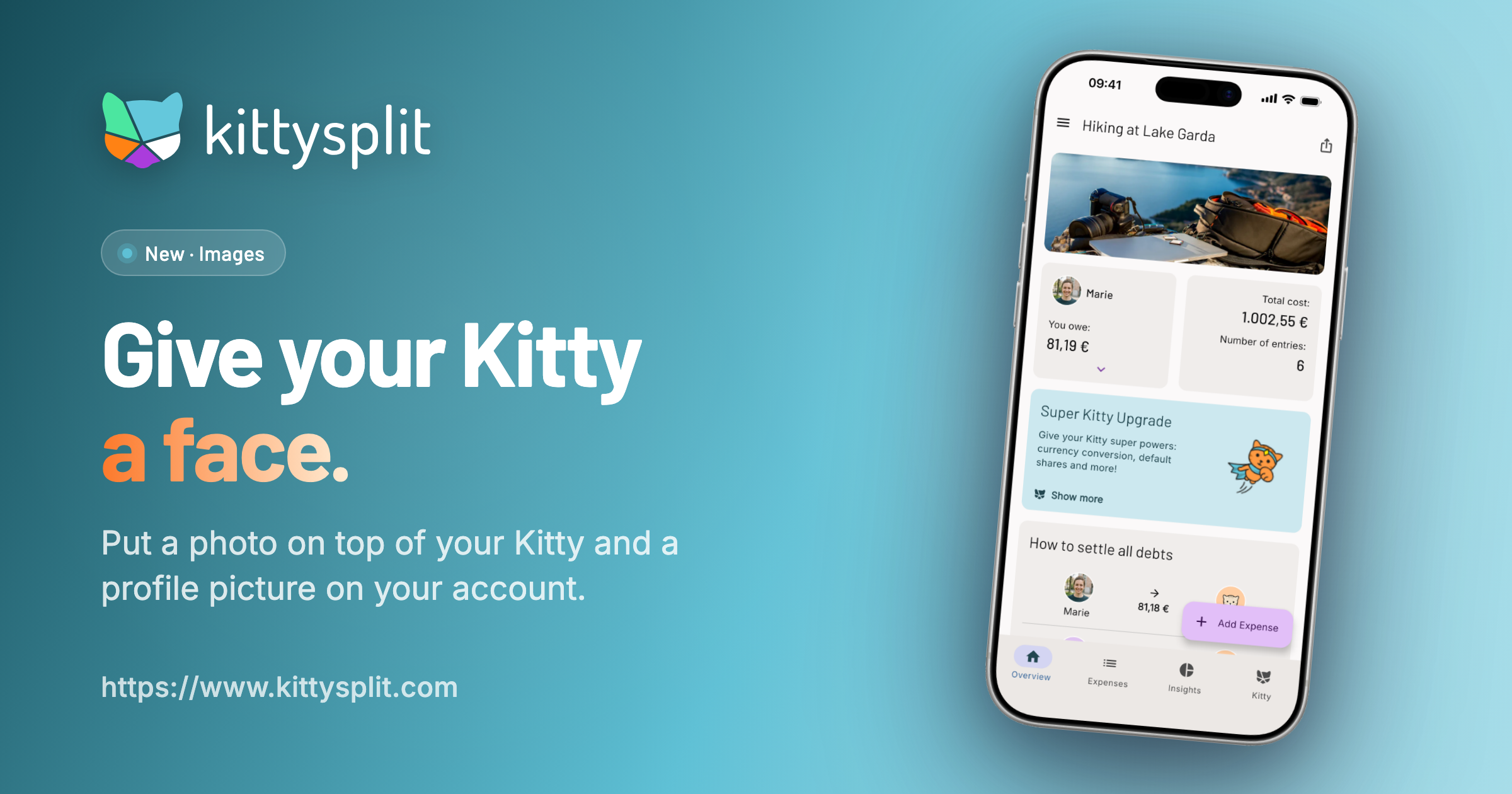
When we wrote about accounts in April, we said profile pictures were next. Here they are, and they brought a friend along.
A photo for your Kitty
A Kitty used to be a name and a list of numbers. That does the job, but “Hiking at Lake Garda” looks a lot more like a holiday with a photo from the trip on top of it.
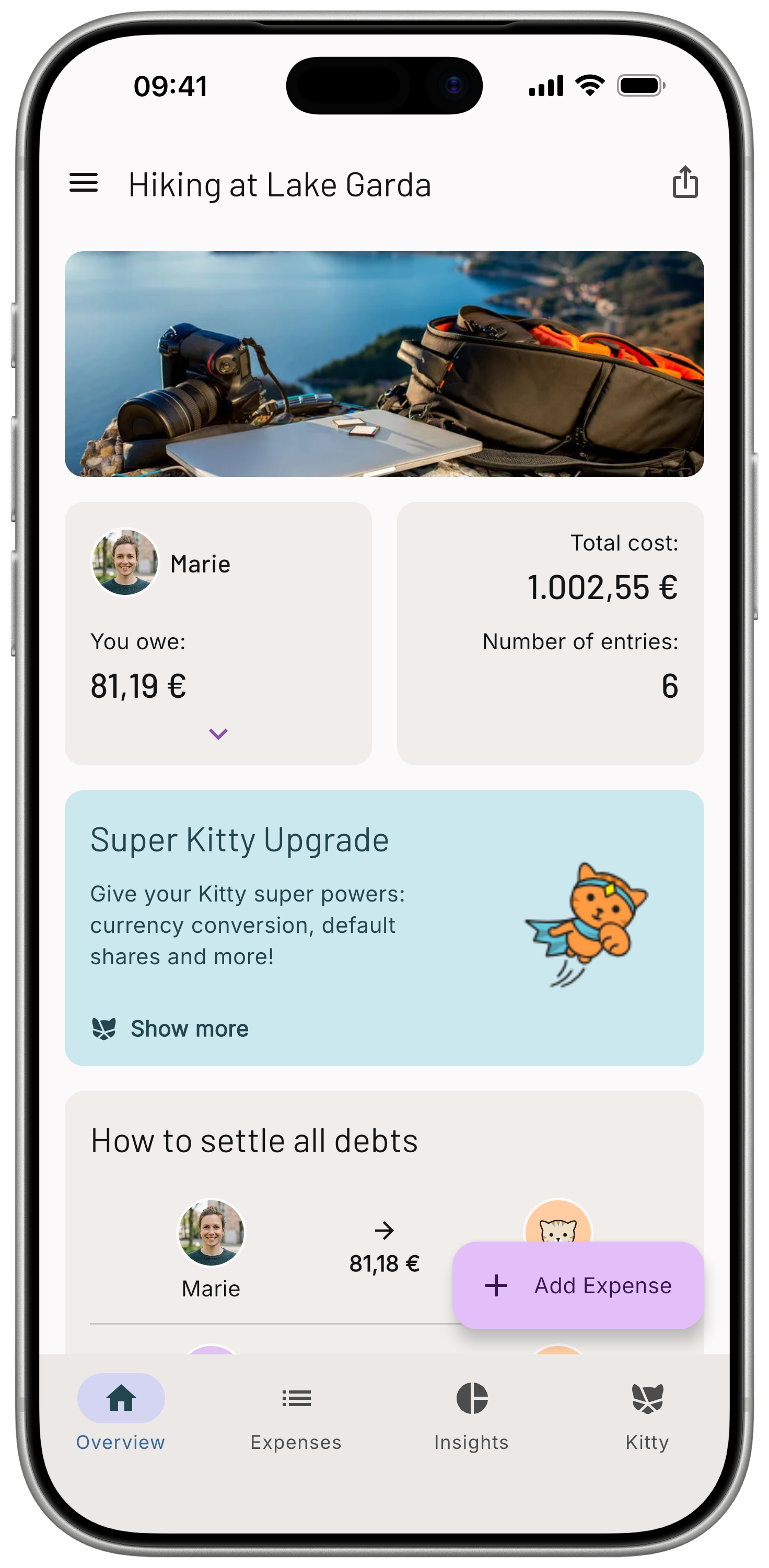
Go to “Edit Kitty”, and you’ll find a new section called “Kitty image”. Pick a photo and save. From then on it sits at the top of the overview for everybody in the group. A brand new Kitty shows a small “Add image” card while it’s still empty, and that’s all the nagging you’ll get.
Two things to know. The image is set by the person who created the Kitty, so the group photo can’t be replaced with a picture of somebody’s lunch while you’re not looking. And it’s free in every Kitty, you don’t need a Super Kitty for it.
A picture of you
Since the cat avatars, everybody in a Kitty is a cat. They’re cute, but in a group of twelve it takes a moment to work out which cat is your brother-in-law.
If you have an account, you can now upload a profile picture. Open your profile, tap the pencil on the avatar and pick a photo.
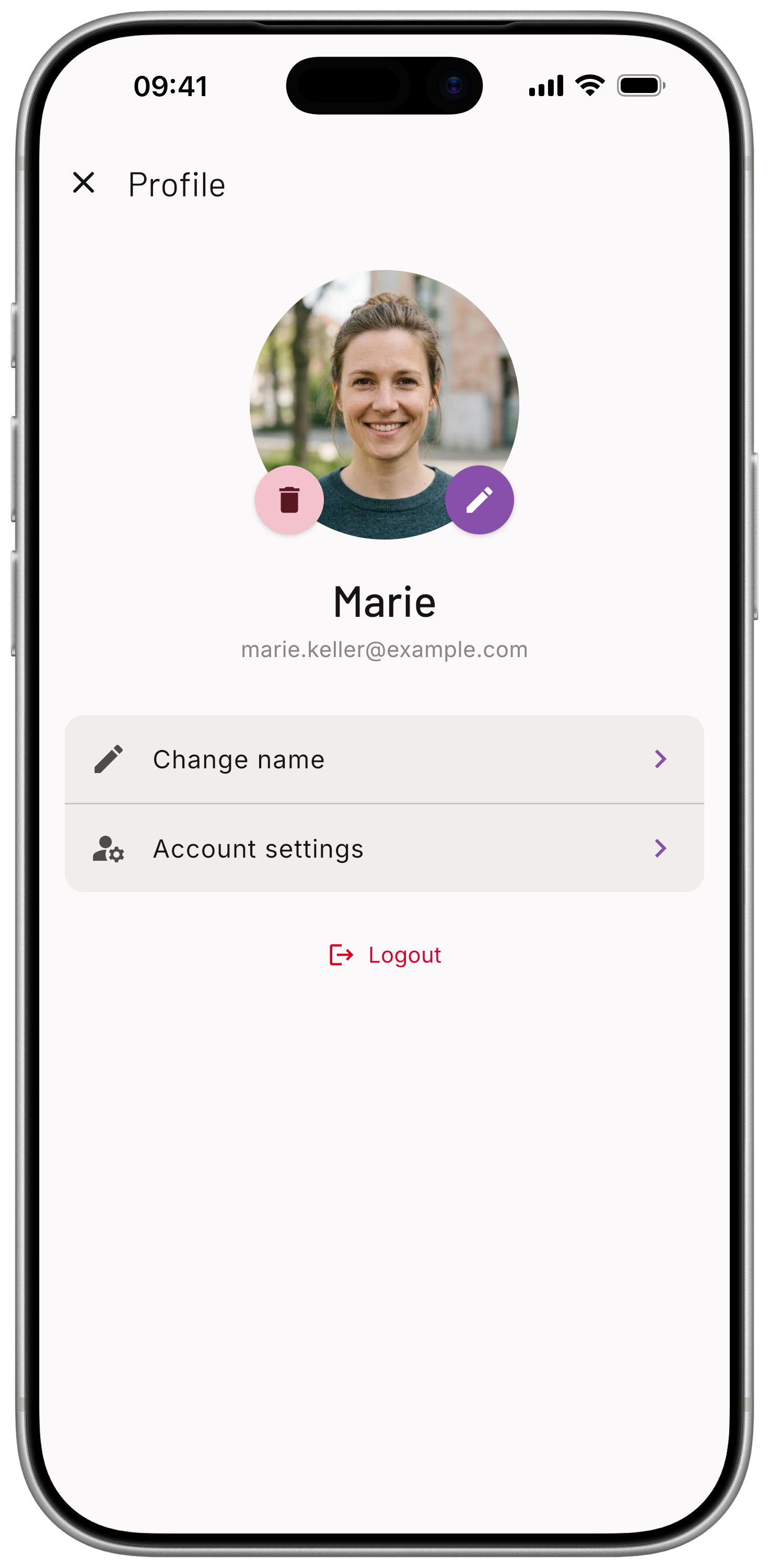
Your picture then replaces your cat in your Kitties, for you and for everybody else in them. It belongs to your account, so you upload it once and it’s there on the web and in the apps. If you ever want your cat back, remove the picture and it returns as if nothing had happened.
Friends without an account stay cats. Accounts are still optional, and nobody has to upload anything.
Straight from the camera
In the apps you get two options whenever you add a photo: “Camera” and “Browse Gallery”.
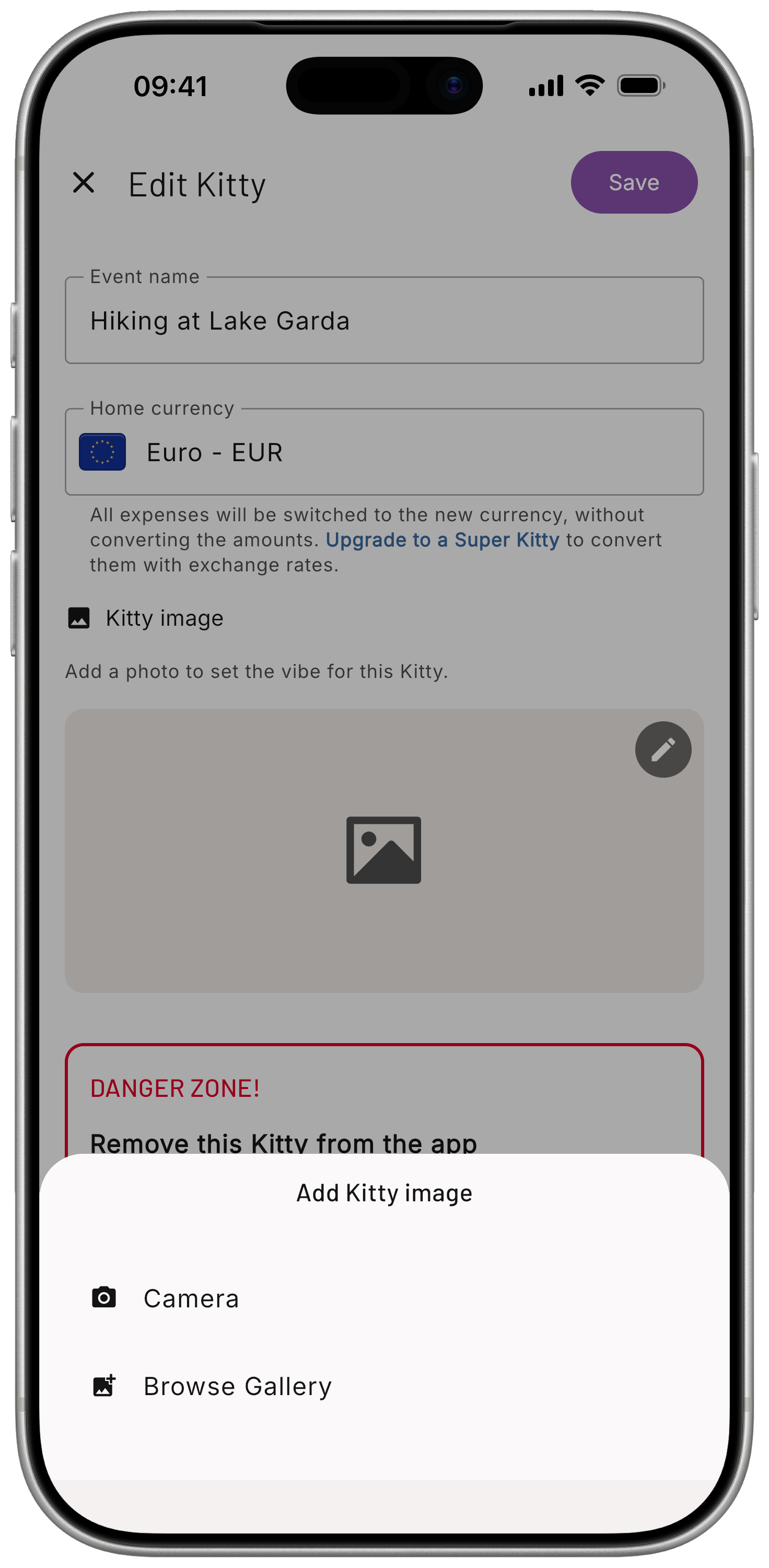
That goes for the Kitty image and your profile picture, and also for the photos you attach to expenses. Until now you had to take a picture of the receipt first, then go and find it in your gallery. Now you take it right where you need it, while the waiter is still standing there.
Kitty images and profile pictures are on kittysplit.com and in the iOS and Android apps from version 2.1.0. A photo can be up to 10 MB, which is plenty for anything your phone takes.
Happy splitting! 🐱✨